
eSIM Digital SIM Card
E-Numbers company offers eSIM service - a digital SIM for instant mobile connectivity:
Open in cabinet eSIM shop in your account — instant QR after purchase.
Activating an eSIM
- Register on our website or log in to your personal account;
- Top up your balance with the amount needed for eSIM activation;
- Select your desired country and data plan for the eSIM;
- Choose between prepaid or postpaid subscription options;
- Confirm your device compatibility with eSIM technology;
- Complete the purchase and receive your eSIM QR code instantly.

Setting Up Your eSIM
When using an eSIM, all cellular services are available immediately after activation without needing a physical SIM card. The key advantage is the ability to switch between plans digitally without changing SIM cards.The service is perfect for travelers, business people, or anyone needing instant mobile connectivity without physical SIM cards.

Capabilities of eSIM
You can manage your eSIM plans through our mobile app or web account. The eSIM provides all standard cellular services including: - Voice calls - make and receive calls with your eSIM number - Mobile data - access high-speed internet anywhere - SMS messaging - send and receive text messages - Multiple profiles - store several cellular plans on one device - Instant switching - change between plans without physical SIM swap

Features of eSIM
Device flexibility Use your eSIM across multiple compatible devices including smartphones, tablets, and wearables. Travel-friendly Easily add local data plans when traveling abroad without searching for local SIM cards. Enhanced security No risk of losing or damaging a physical SIM card. Remote management if device is lost or stolen. Eco-friendly solution Reduces plastic waste from physical SIM cards and packaging. Instant activation Get connected immediately after purchase with digital delivery.
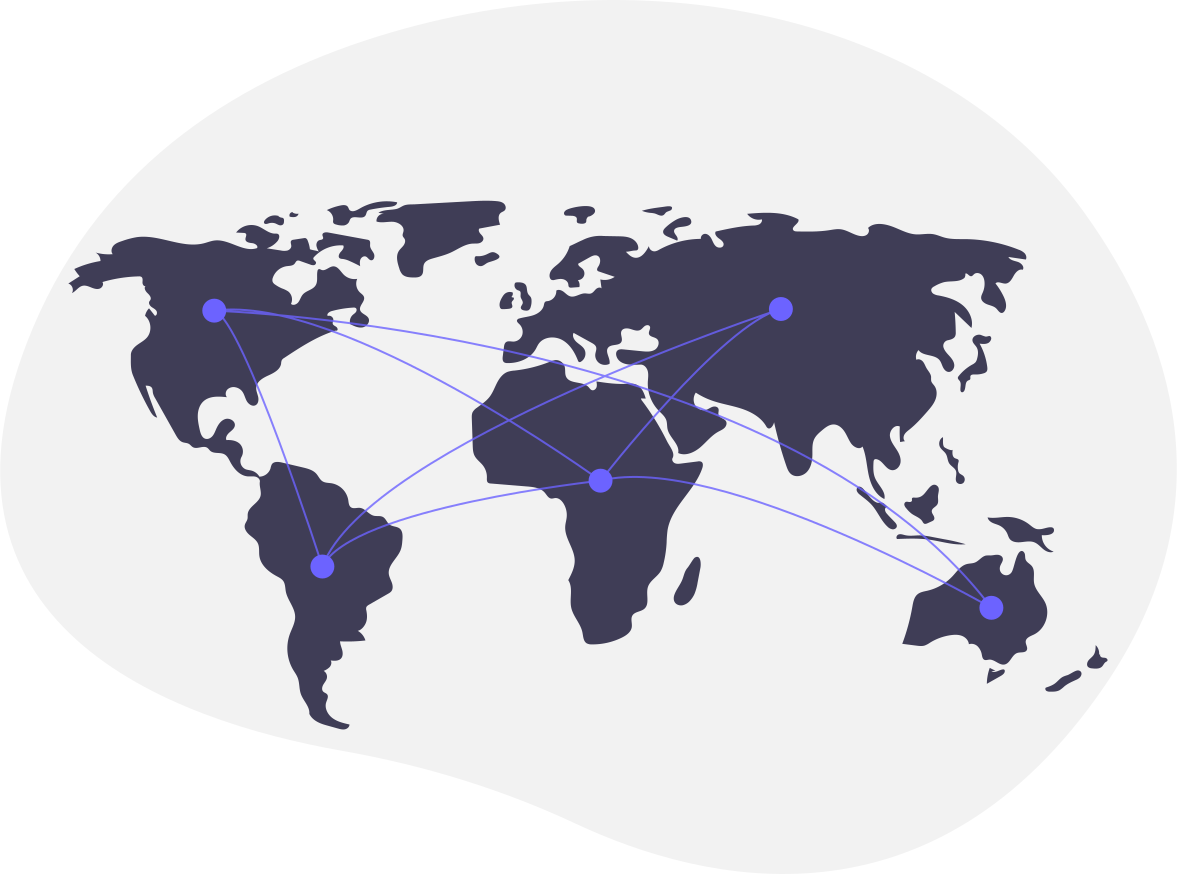
Virtual numbers available in the following countries















































































































































































































Sign Up
Register now, verify your email, and get test funds to try out phone numbers